SmartLink NFC App Icon
Product by KMA SoftTech Version 1.0 Ready

SmartLink NFC

Turn any NFC sticker into an instant phone shortcut.

SmartLink makes it simple: pick what the tag should do, fill in the details, and hold a sticker to your phone. Done. No accounts, no ads, no trackers — private by design.

Official Privacy Policy Stable URL: /smartlink-nfc/privacy
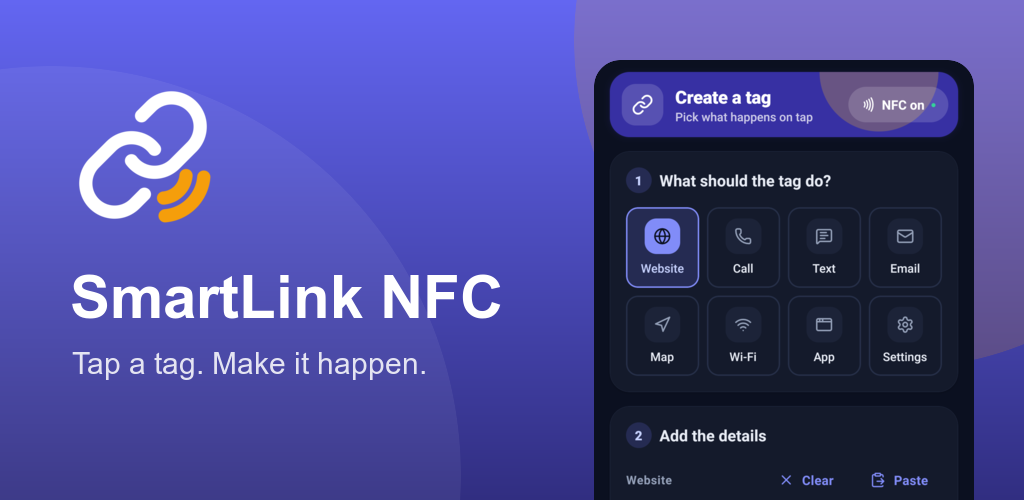
SmartLink NFC Feature Banner
Visual Walkthrough

App Screenshots & User Interface

Crafted with purposeful simplicity. From tag creation to scanning and sharing, SmartLink NFC puts you in total control.

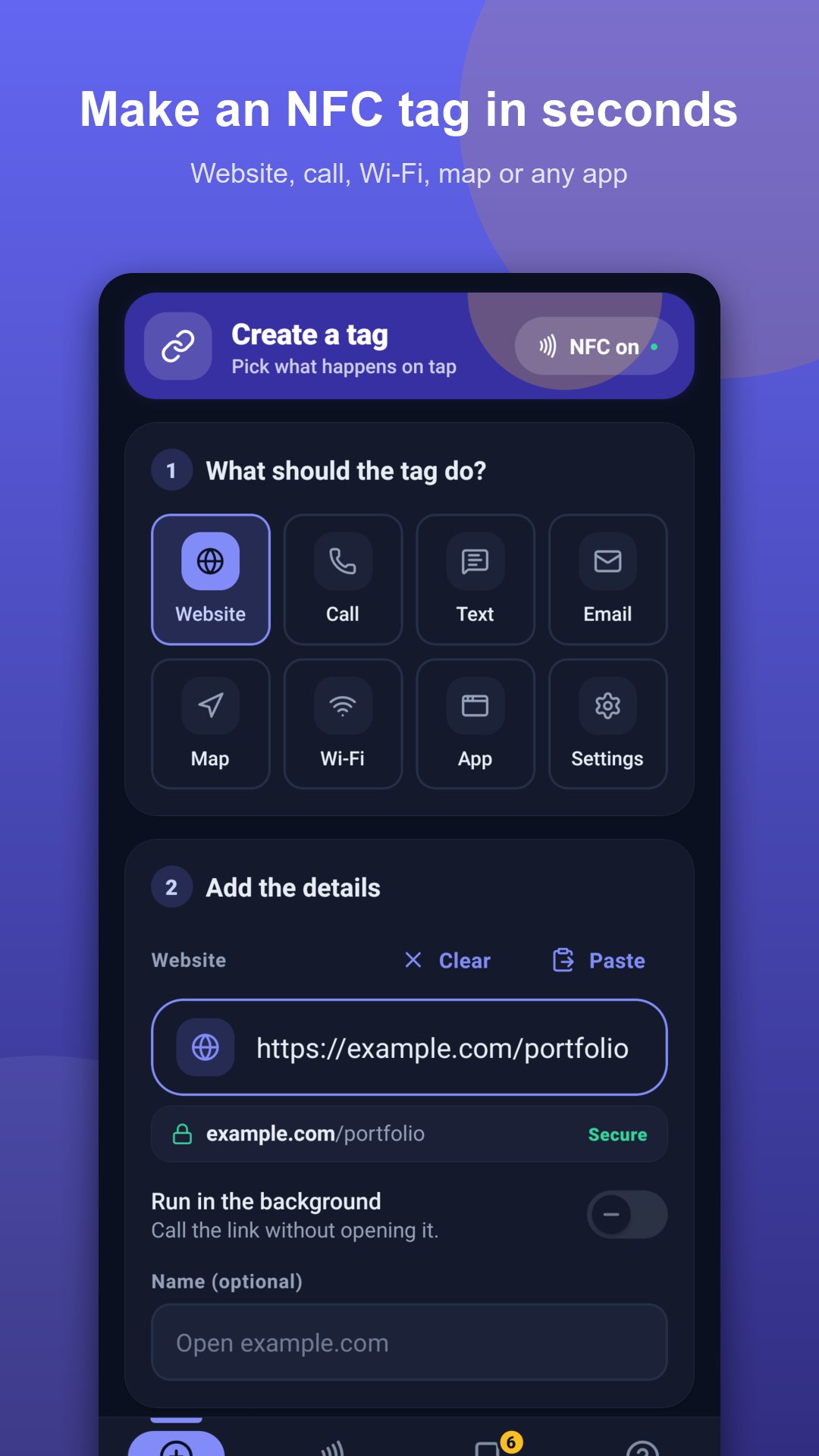
Choose tag action in SmartLink NFC
1. Create & Pick Action
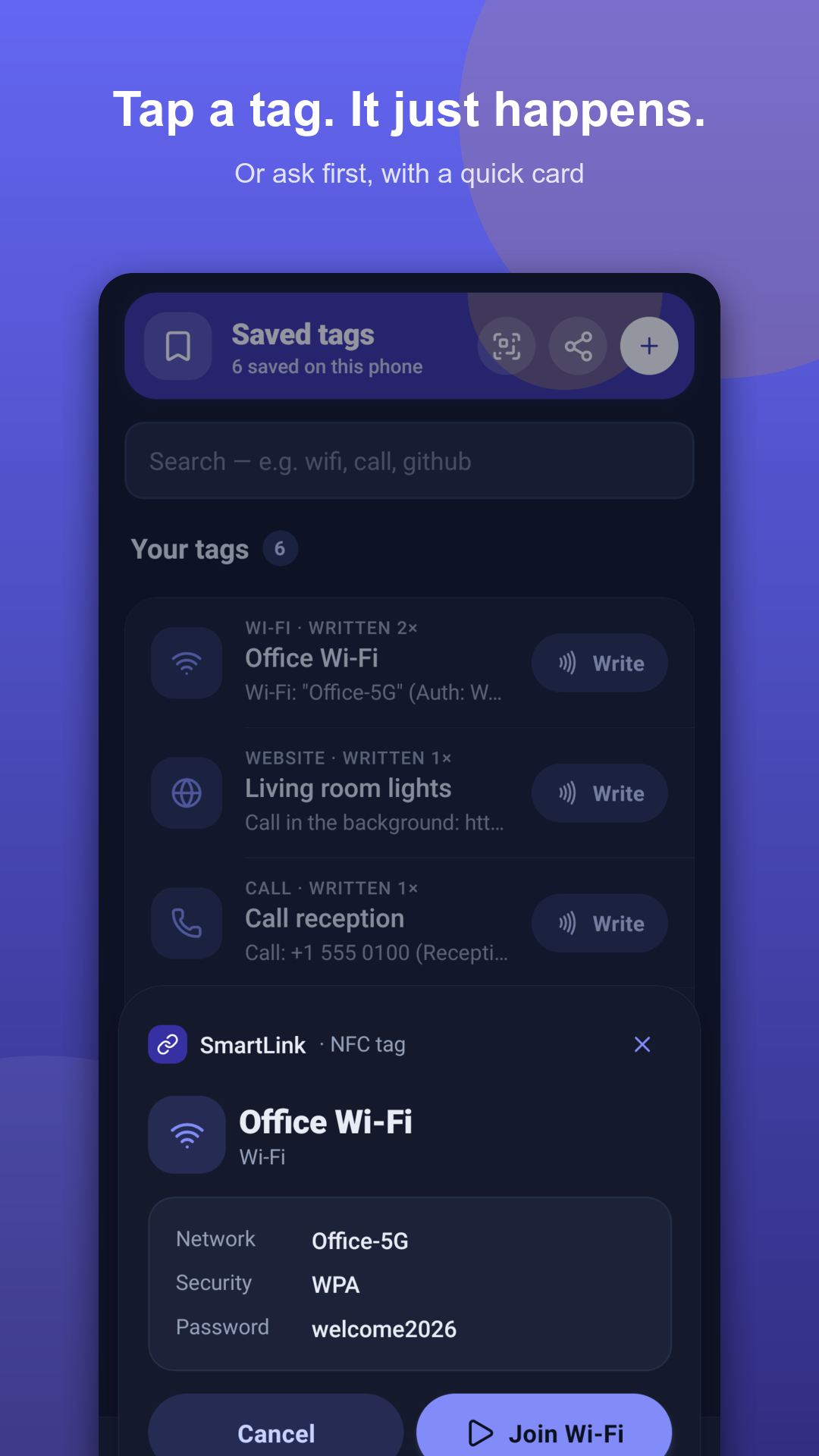
Tap sticker to phone
2. Hold Sticker to Phone
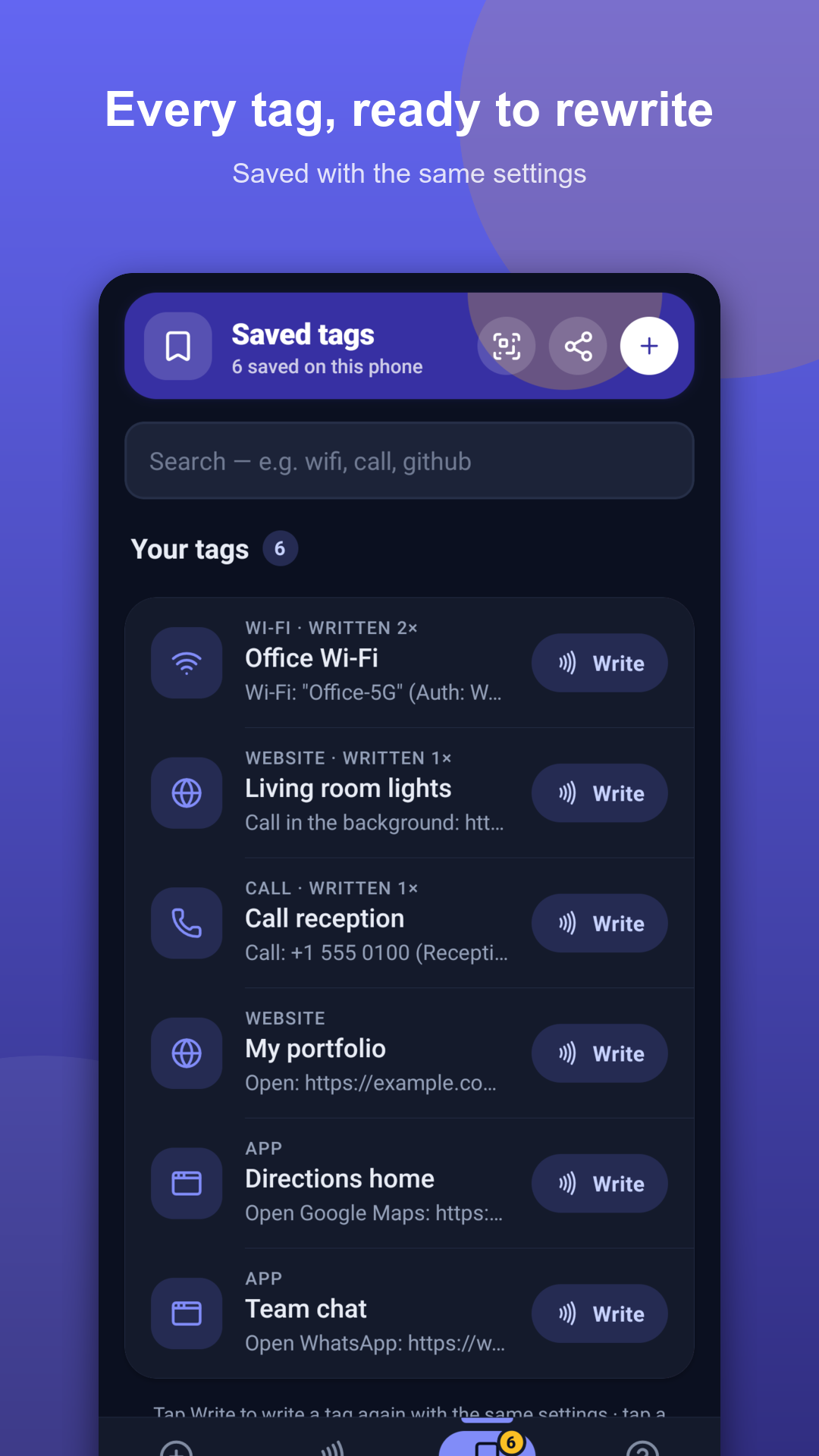
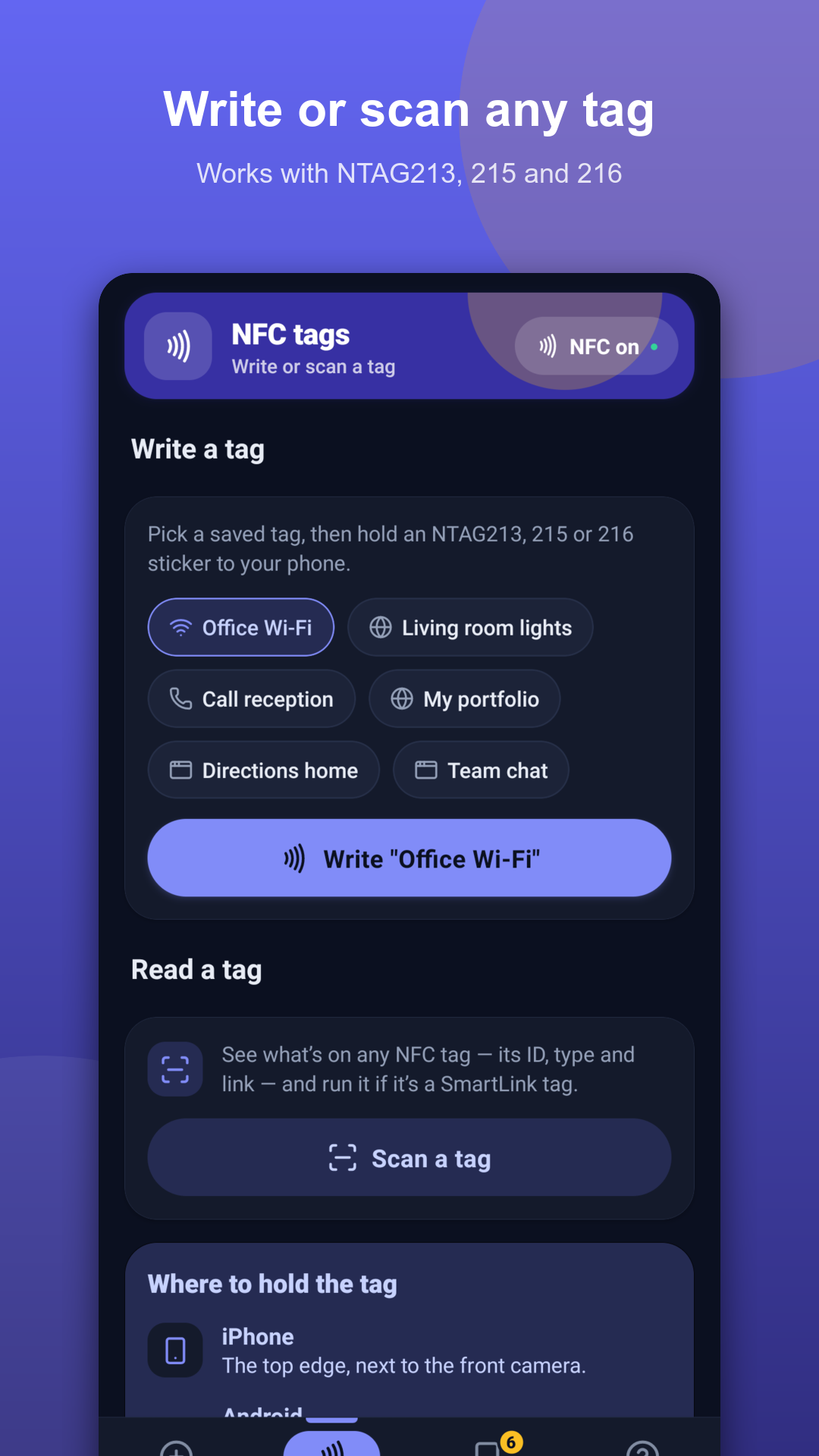
Saved tags library
3. Saved Tags Library
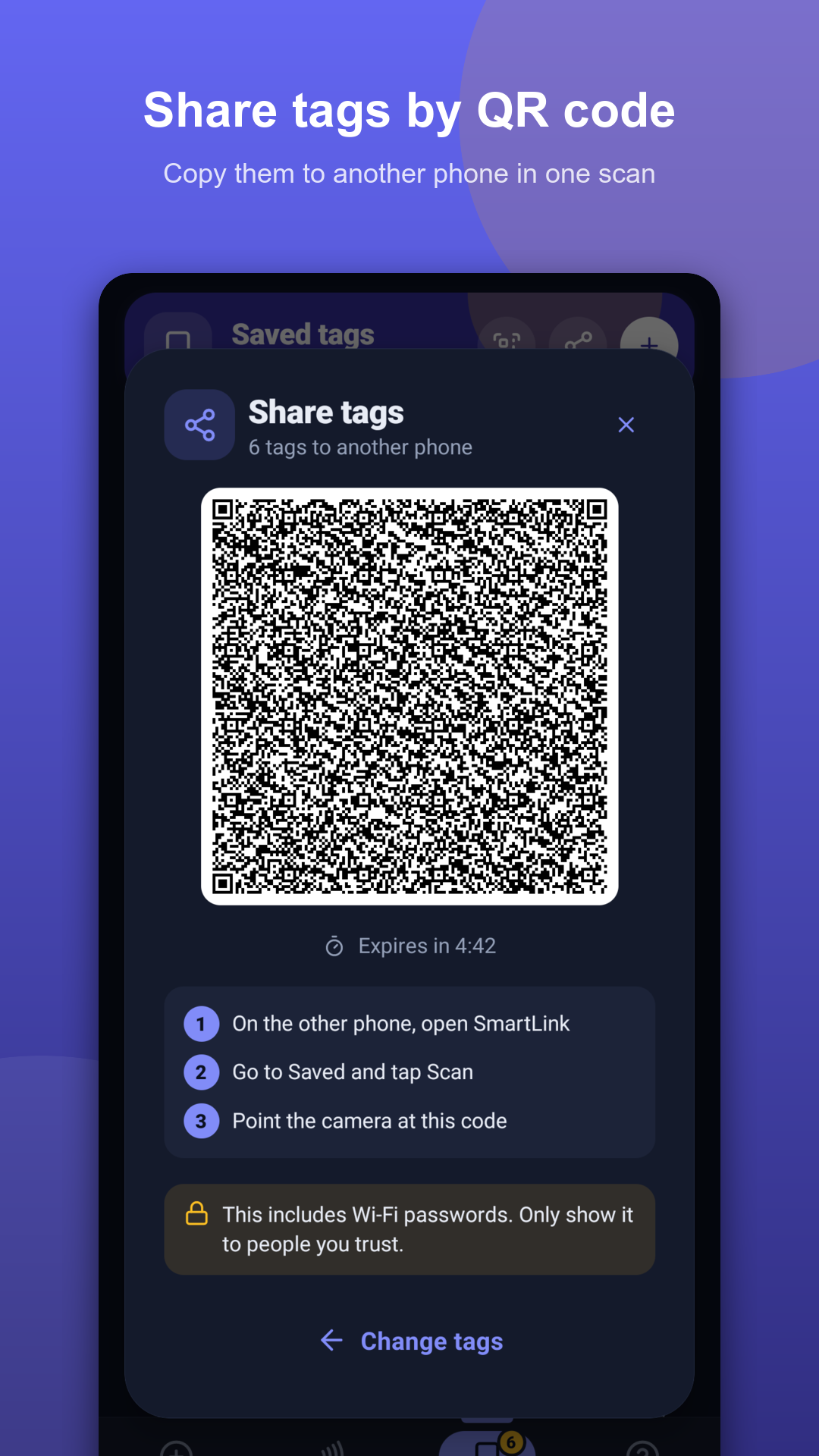
Share tags with QR code
4. Peer-to-Peer QR Share
Tag writing progress
5. Tag Write Progress
Capabilities

What SmartLink NFC Can Do

Everything you need to transform physical surfaces into high-utility digital touchpoints.

Instant Web Links

Write URLs to stickers. Works immediately on any smartphone with NFC enabled—no app required for visitors to open the link.

Frictionless Wi-Fi Sharing

Tap to connect. Copies the network password and opens Wi-Fi settings instantly, eliminating cumbersome manual password typing.

Calls, Texts & Maps

Initiate immediate calls or SMS messages, pre-draft emails, or open exact coordinates and turn-by-turn directions on Google Maps.

Background Webhooks

Quietly invoke an HTTP webhook in the background when tapping a tag—perfect for Home Assistant routines and IoT triggers.

Saved Tags & Chip Size Check

Keep a digital library of every tag you make. Check required storage capacity at a glance for standard NTAG213, NTAG215, or NTAG216 tags.

100% Private by Design

No accounts, no remote database, no analytics, and zero tracking. Your tags live exclusively inside your smartphone's secure sandbox.

Use Cases

Everyday Inspiration

How people and businesses use SmartLink NFC tags in daily life.

🚪 Guest Wi-Fi at the Door

Stick an NFC tag near the entryway or reception counter so guests and clients can connect without asking for passwords.

💼 Interactive Business Cards

Embed an ultra-thin sticker in your business card to let people tap and instantly open your portfolio or contact vCard.

🖥️ Office Desk Focus Mode

Tap your phone onto your desk mat to open project management dashboards, launch communication apps, or toggle Bluetooth.

💡 Smart Home Nightstand Tag

A tag by your bedside that fires a webhook trigger to turn off apartment lights, lock smart doors, and set alarms.

Specifications

Technical Specifications

Supported Chipsets NTAG213 (144 B), NTAG215 (504 B), NTAG216 (888 B) & ISO 14443 Type A
Device Requirements Any Android or iOS smartphone with NFC support
Data Storage 100% On-device private app sandbox; zero remote sync required
Network Access Only invoked when opening or triggering user-specified destination URLs
Publisher KMA SoftTech